Skip to main contentWhat is a Location Search?
In short
This filter allows you to find opportunities in the locations you are interested in.
We filter based on the execution location of the tender.
How to Use Service Type Search
- Click on “Add a filter” or open an existing filter in “Inbox Filters”
- Click on the “Location” element to open a list with all available locations
- Select a location by clicking on it, it will then move into the main bar
- Click “Save”
- taend will now show you tenders requesting those specific services in your Inbox
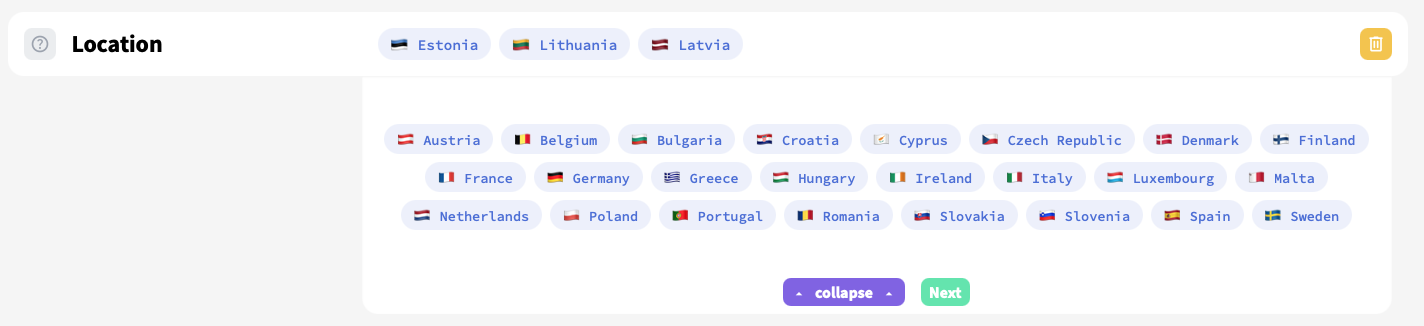 This search will only show tenders which should be executed in Esonia, Lithuania or Latvia
Tips for Effective Searching
Recommended Approaches
- Be mindful of language requirements: Most tenders require working in the local language of the country or region. If you’re planning to actively participate in tenders rather than just monitoring opportunities, ensure your team has the necessary language capabilities or translation resources in place.